Built for the lunchtime rush.
Fast counter orders, extras nobody can miss, and online orders arriving straight in your till.
Orders in seconds, not minutes.
Your best sellers on your own Favorites buttons keep the queue moving — with extras for every taste.
- Favorites — your own quick buttons, up to three levels deep
- Extras like “no mayo” or “medium sweet”
- Cash, card, gift cards and tips
- Barcode scanning for packaged items
- Customer tabs for regulars
Take-away 1-0-43Ready 12:45
Illustration of Sales mode
Take orders while you cook.
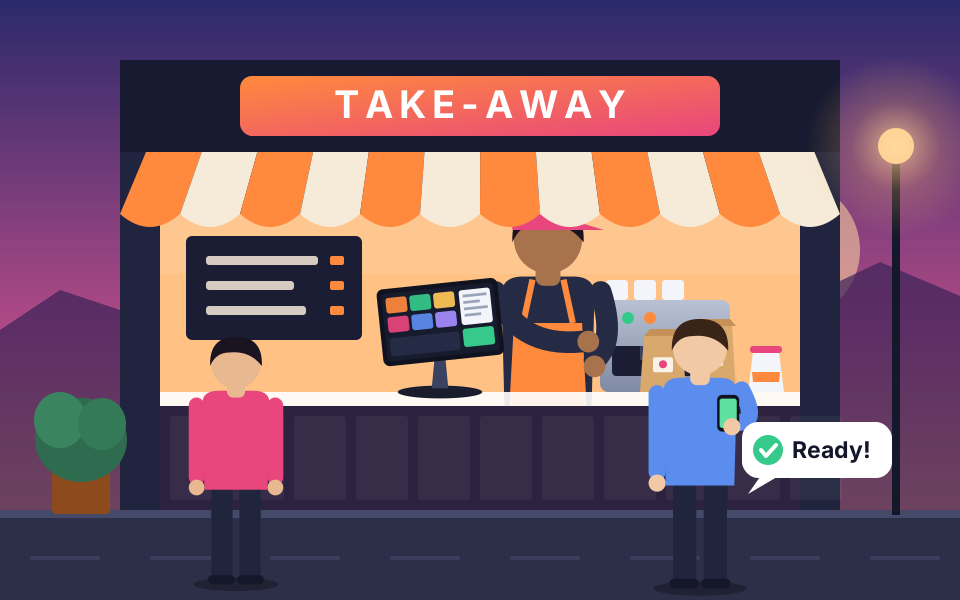
Customers order take-away online, you accept it from the till, and one tap on “Ready” tells them to come and collect it.
- Take-away orders online
- A “Ready” alert on their screen and by email
- Ready time moved with +5 / +10 / +15 minutes, and the customer is told
- Check my order with a phone number and PIN
- Switch online ordering off from the till when you’re too busy
Illustration of the online portal
Nothing gets missed.
Tickets go to each station, and the orders screen shows what’s being made and what’s ready.
- Kitchen tickets with every extra on them
- Open, Making and Ready in colour
- Warned before it’s late — the ready time pulses as it gets close
- Customer display so people can check their order
Illustration of a kitchen ticket
How it flows.
An order comes in
At the counter, or online with the add-on.
You accept it
Online orders appear in the till for you to accept.
You prepare it
With every extra on the order, so nothing gets missed.
It’s ready
One tap on Ready — the customer sees it and gets an email.
Pick-up and payment
Cash, card or gift card, confirmed with the cashier’s own ID and PIN.
Ready for the rush?
Tell us about your take-away and we’ll be in touch as POS2Order launches.